Prompt to Design
Describe your interface in natural language. Watch it materialize on canvas in real-time with streaming generation.
Prompt to UI on canvas. Multi-agent orchestration. Built-in MCP server. Production code generation. Open source.
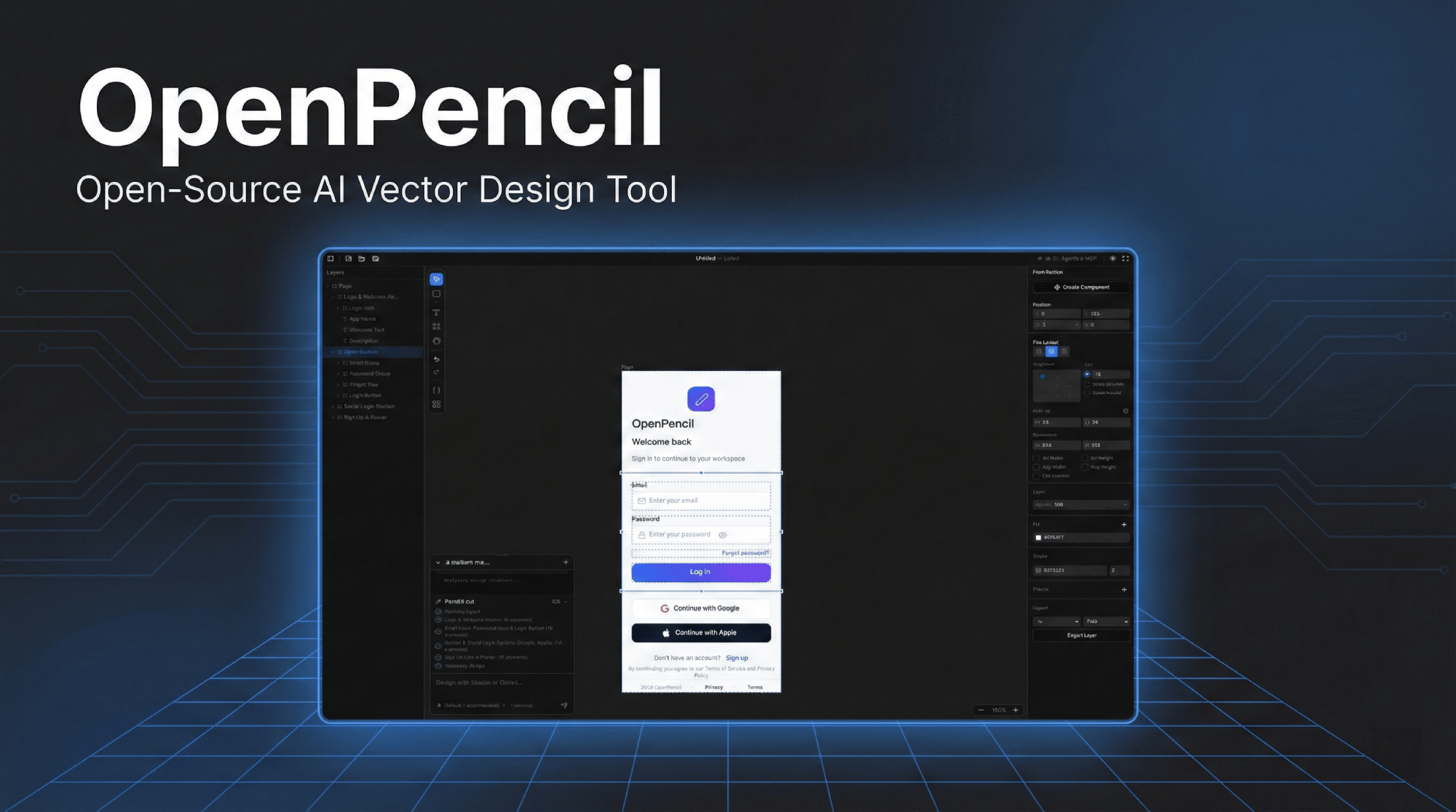
A complete design toolkit powered by AI, built for the modern developer workflow.
Describe your interface in natural language. Watch it materialize on canvas in real-time with streaming generation.
Connect Claude, Codex, OpenCode, or any MCP-compatible agent. Your design, your choice of AI.
Automate design from any terminal. Read, create, and modify .op files programmatically via Model Context Protocol.
Import .fig files with full layout, style, and component preservation. Seamless migration from your existing workflow.
Export production-ready code in 8 frameworks: React, Vue, Svelte, HTML, Flutter, SwiftUI, Compose, and React Native.
Markdown-based design system spec — colors, typography, components, layouts. AI agents follow it for consistent design. Import, export, or auto-generate.
Tell the AI what you need in natural language or attach screenshots as references.
AI creates your design on canvas. Complex pages are split into parallel sub-tasks.
Export to 8 frameworks including React, Vue, Svelte, Flutter, SwiftUI, and more — ready for production.
Browse, download and share UI Kits created by the community. Accelerate your design workflow with ready-made components.
MIT licensed and free forever. Join designers and developers building the future of design tooling.
Available for macOS, Windows, and Linux.
Or install via package manager
brew tap zseven-w/openpencil && brew install --cask openpencilOr install CLI via npm
npm install -g @zseven-w/openpencil Join Discord